Reads what you already work in
 Gmailthreads and attachments
 Outlookmail and calendar
 WhatsAppchats, read as topics
 Signalchats, read as topics
 Google Calendarevery calendar you follow
 Google Drivethe files behind each fact
How it learns
Teach it once. It works your way from then on.
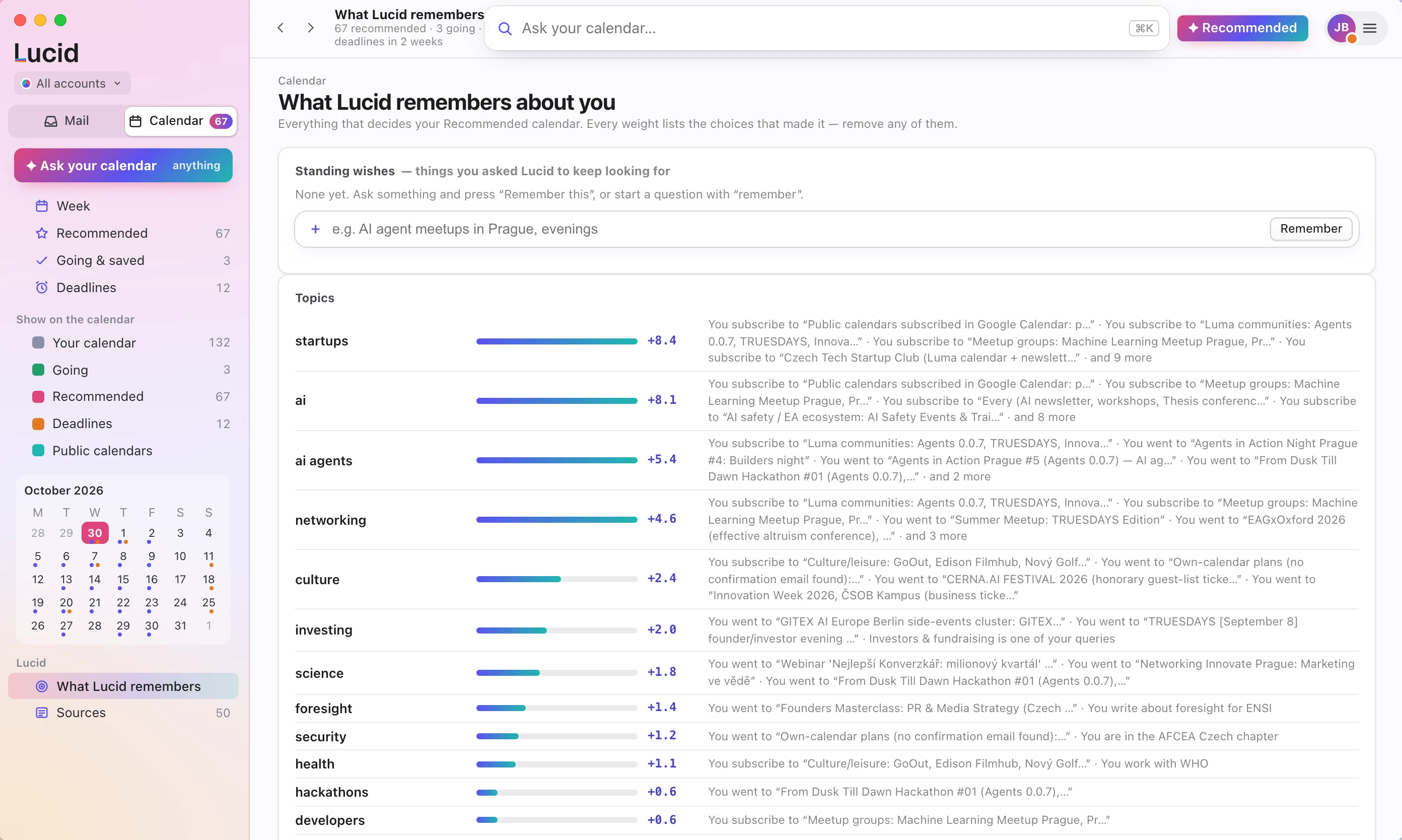
Every assistant sorts your mail by its own rules. Lucid learns yours: which threads you pin, which decisions you make differently, which events you actually go to.
It learns from what you do
Pin a thread, mark one “Not important”, pick a different option than the one Lucid leaned to, skip an event because it is too far. Each choice changes what it puts first next time.
It learns from what you tell it
Say it in plain words: “remember I like hackathons”. Lucid keeps it as a standing wish and uses it from then on.
It puts things in order. It never hides them.
What matters to you moves to the top. Everything else stays on the list, below the line, one click away.
You can see everything it has learned
Every preference shows the choices that produced it. Remove any of them and Lucid stops using it.
Talk to it. It builds the view you asked for.
Ask in your own words and Lucid shows what it understood, then lays out the answer as a calendar, a list or a set of decisions.
- “AI meetups next week”
- “What deadlines are there in October?”
- “Remember I like hackathons”
Two apps that work as one assistant
Use either on its own. Together, what Mailbox reads in your conversations shows up in Calendar as meetings, deadlines and people to answer.
Lucid Mailbox
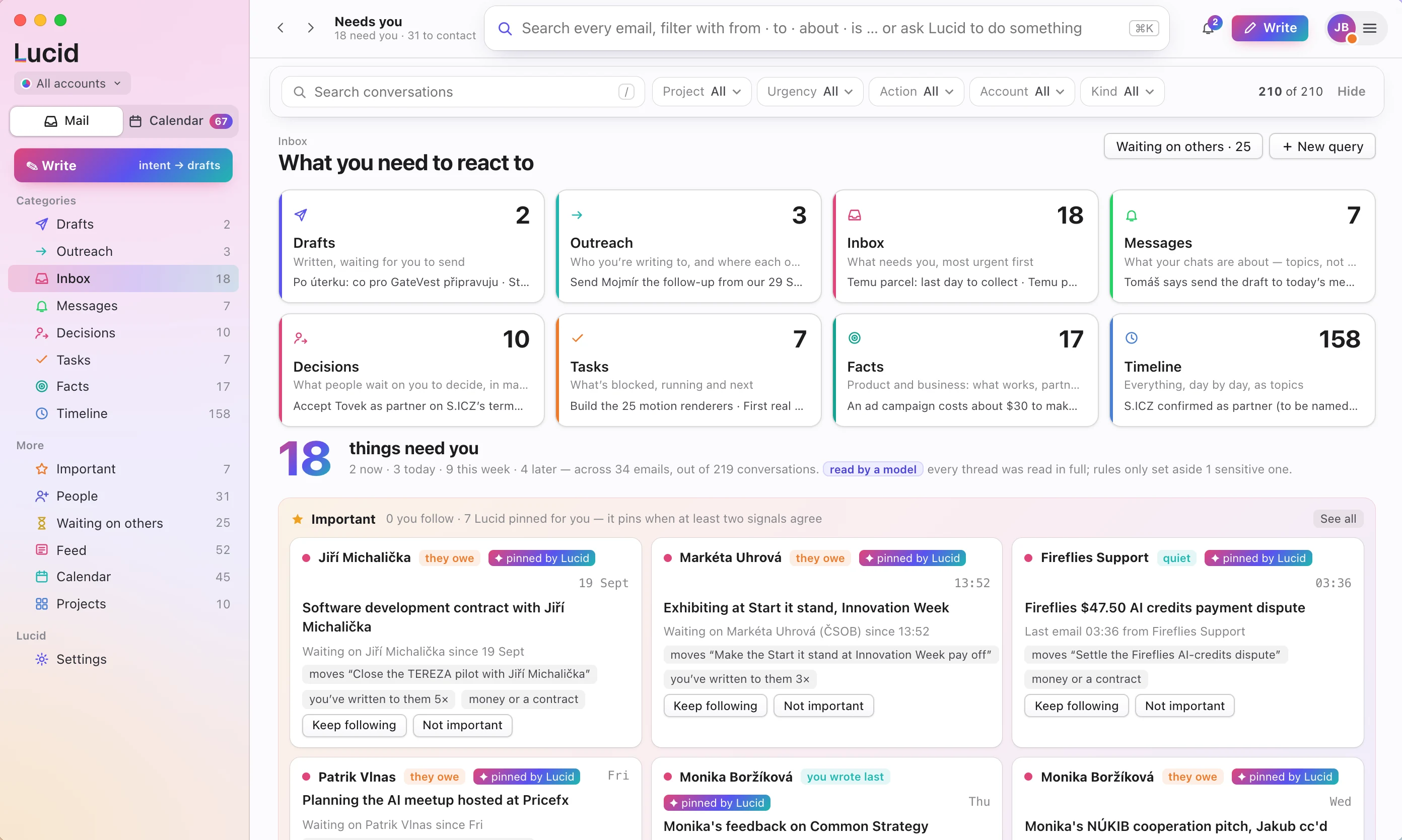
Your mail and chats, read in full and sorted into what needs you: decisions, drafts, people waiting and what happened each day.
See Mailbox For Mac and iPhoneLucid Calendar
Your week with the breaks marked, the people asking to meet you, events worth going to and a briefing before every meeting.
See CalendarLucid Mailbox for Mac
One place for everything that needs you
Lucid reads every conversation in full and sorts what it finds. You open the app and see what to do, in order.
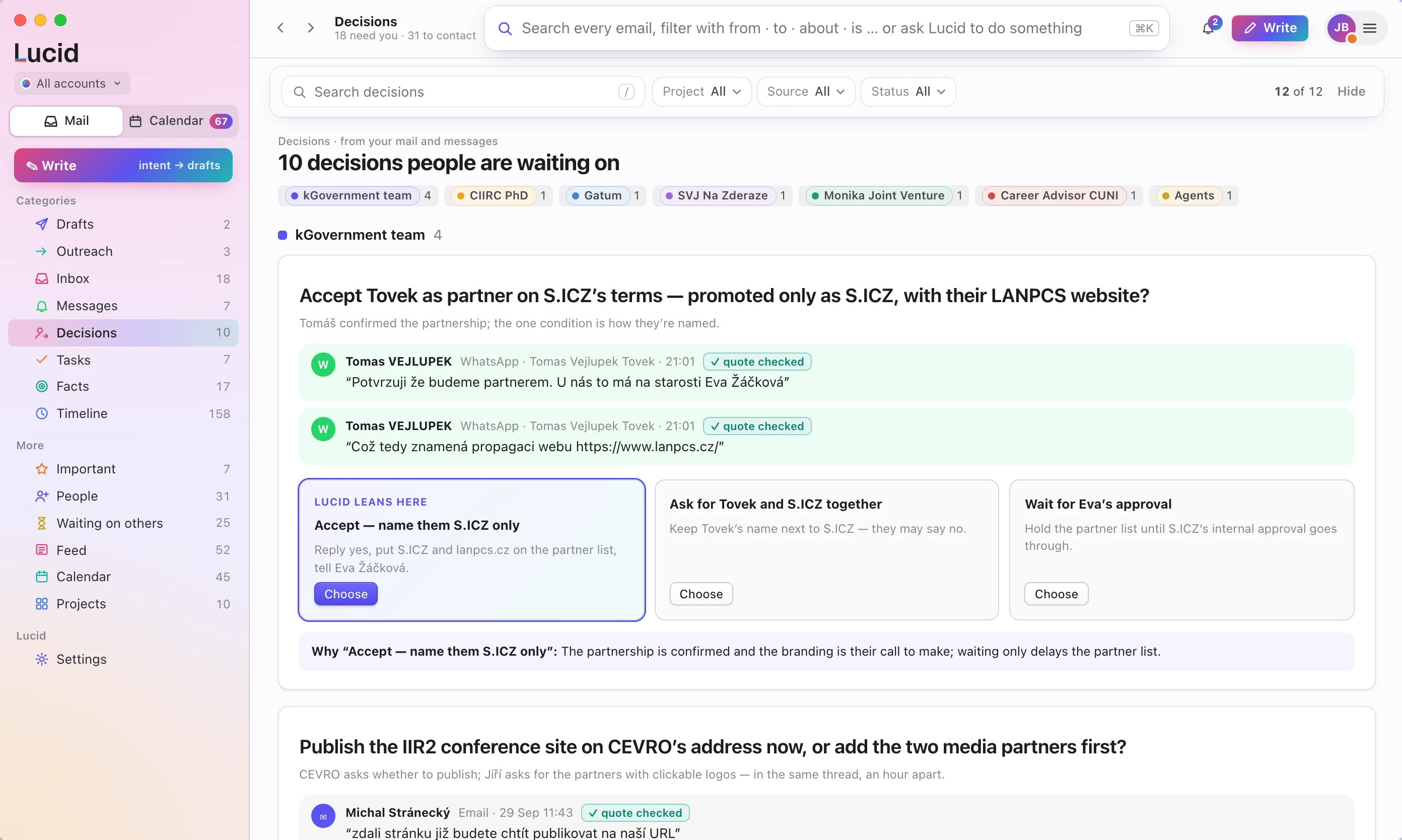
Every open decision, with the quote behind it
You get the options, which way Lucid leans and why. Choose one and the reply is drafted for you.
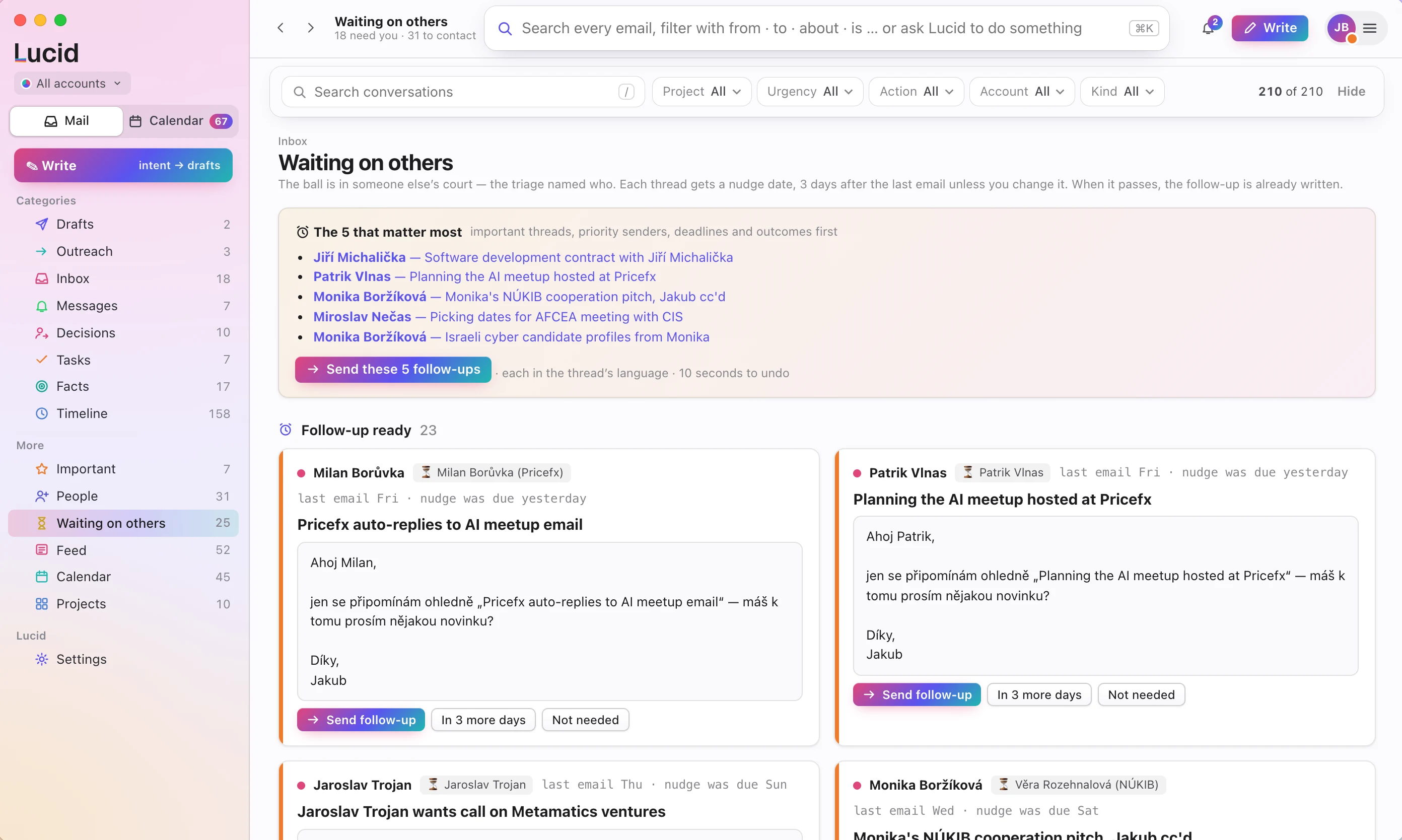
It remembers who owes you an answer
When the date passes, the follow-up is already written. Send five of them with one click.
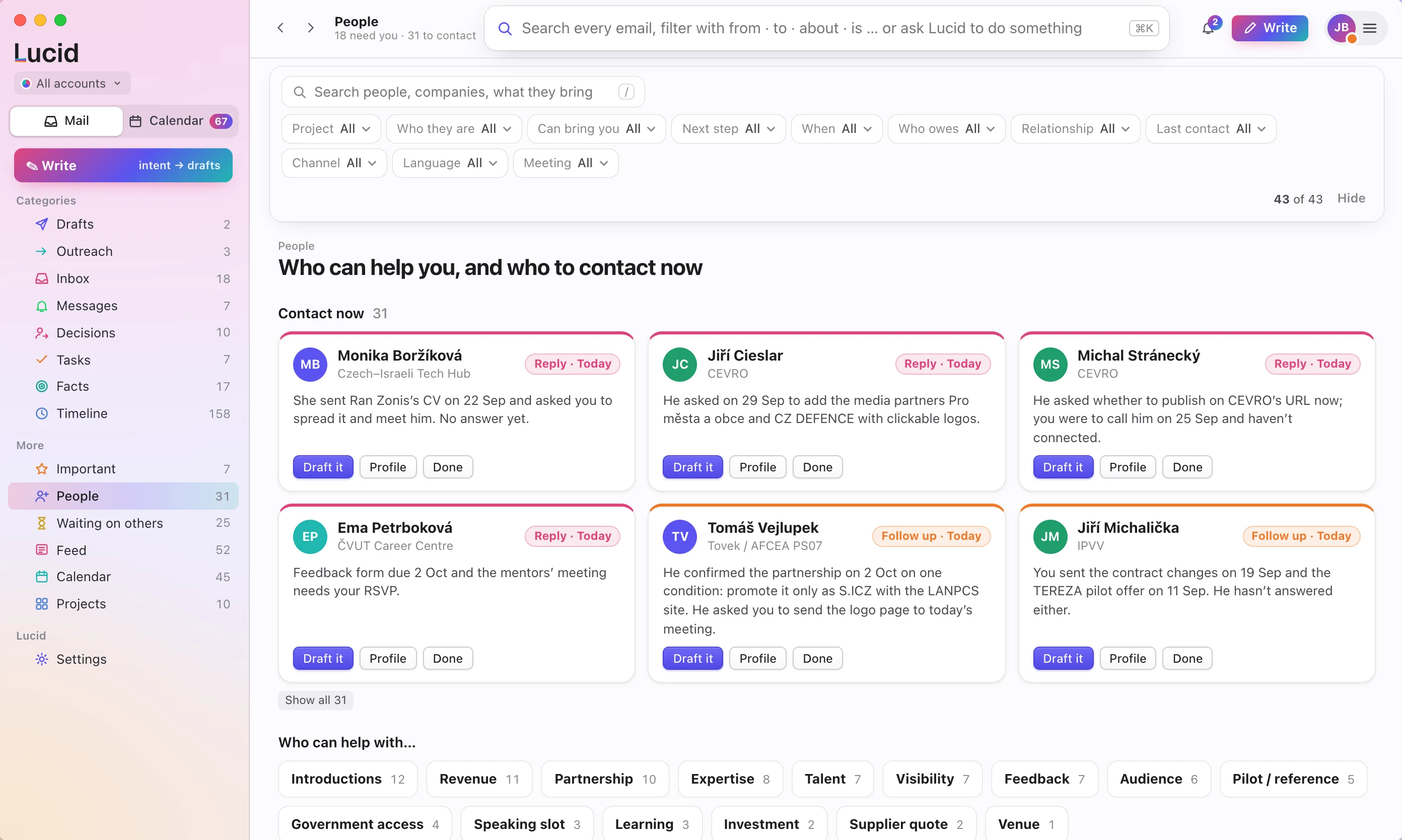
Who to contact now, and why
Each person comes with what they asked, what they can bring you and the next step.
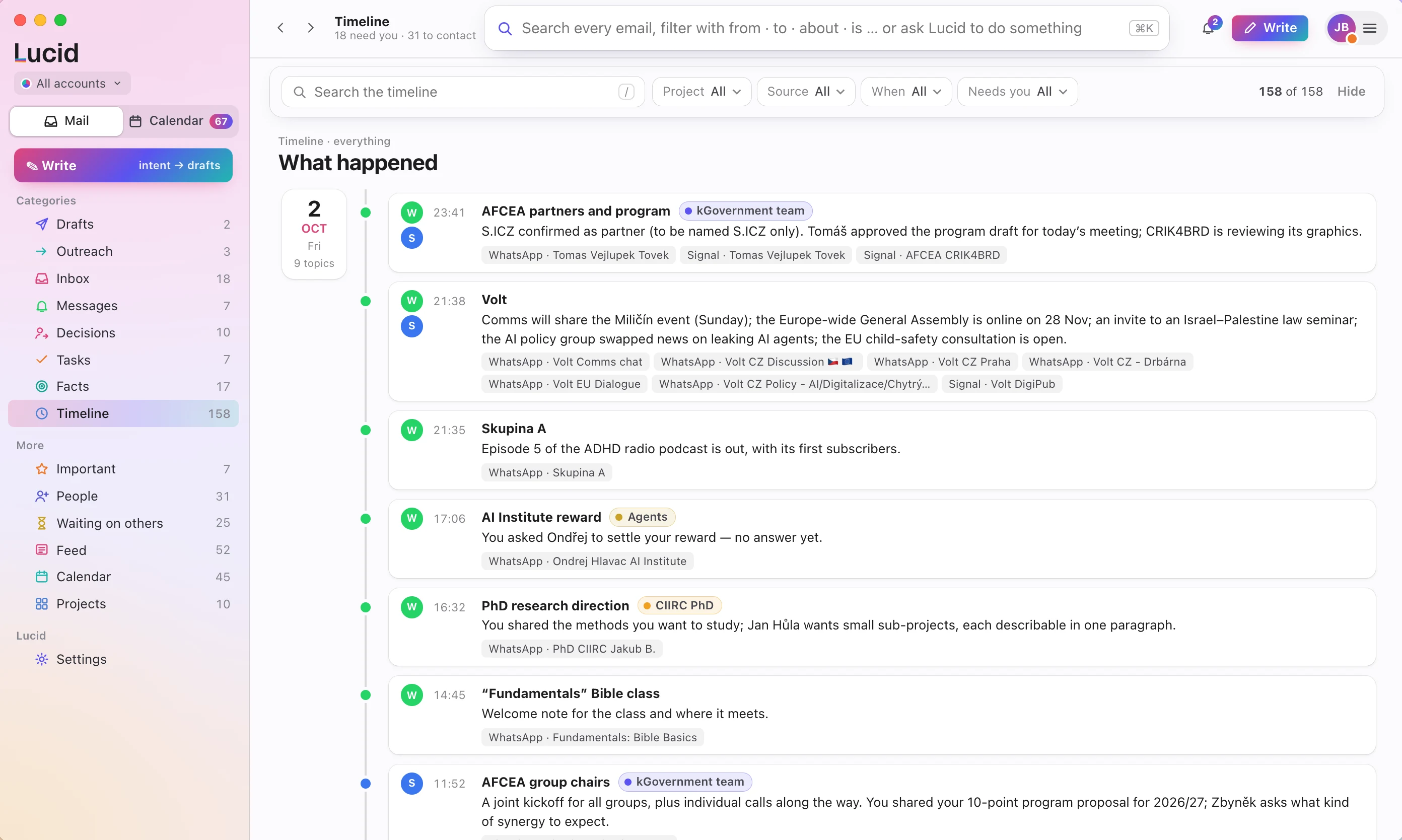
What happened, day by day
Mail and chats on the same subject are folded into one line, so a day reads as a handful of topics.
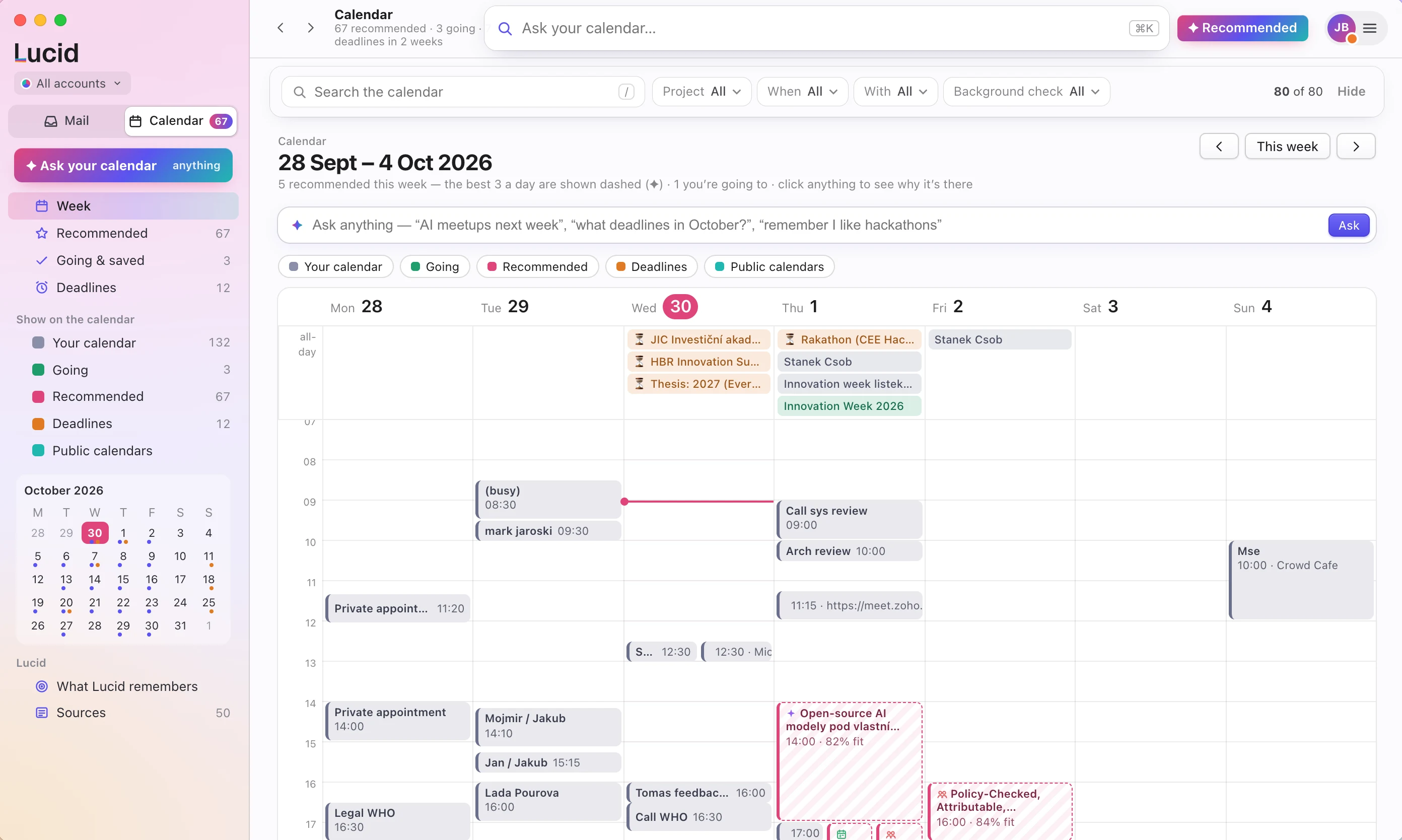
Lucid Calendar for Mac and iPhone
A calendar that already knows your mail
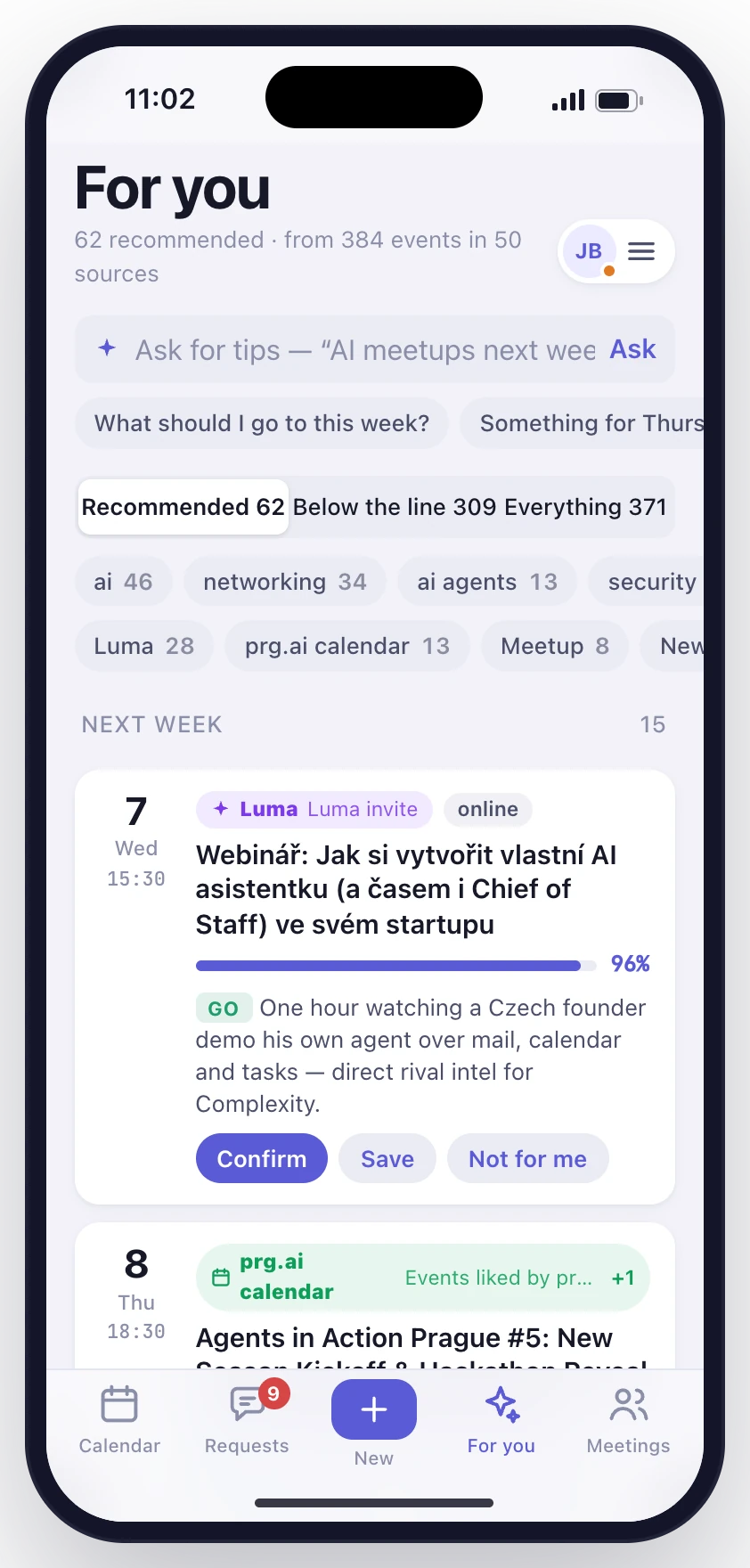
Meetings agreed in a thread, deadlines buried in a newsletter and events worth going to all land in the same week.
Lucid Calendar on iPhone
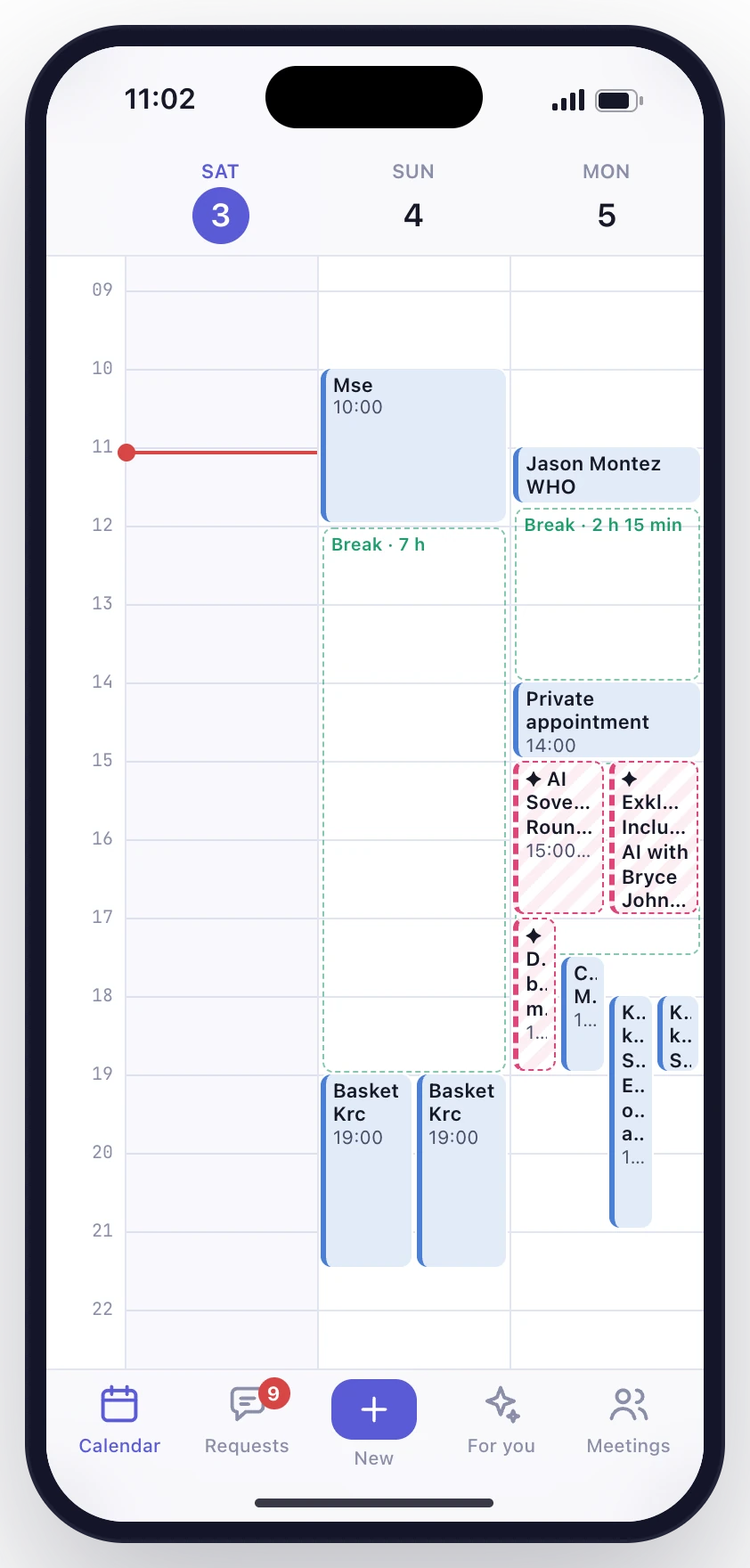
- Your next three days.
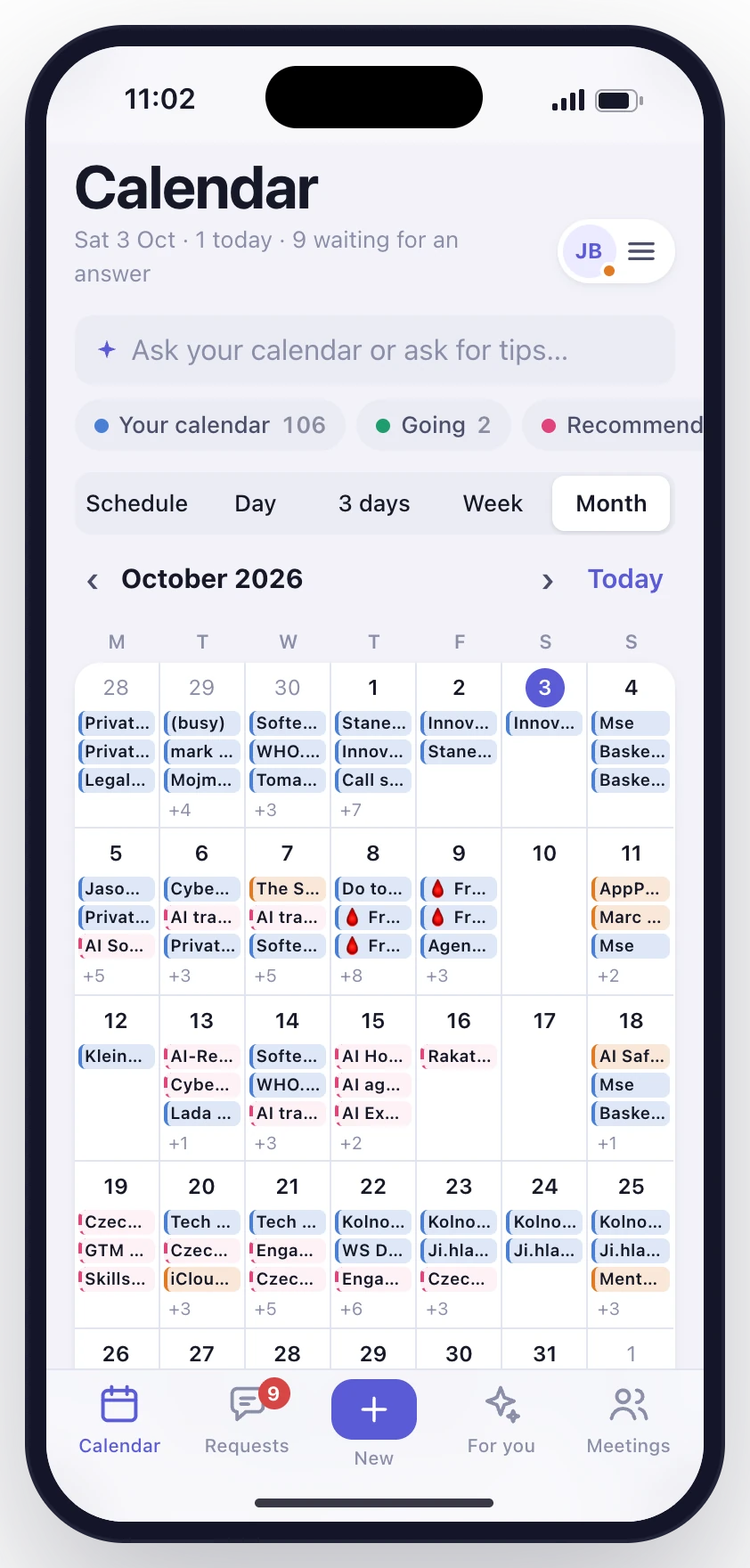
- Your whole month.
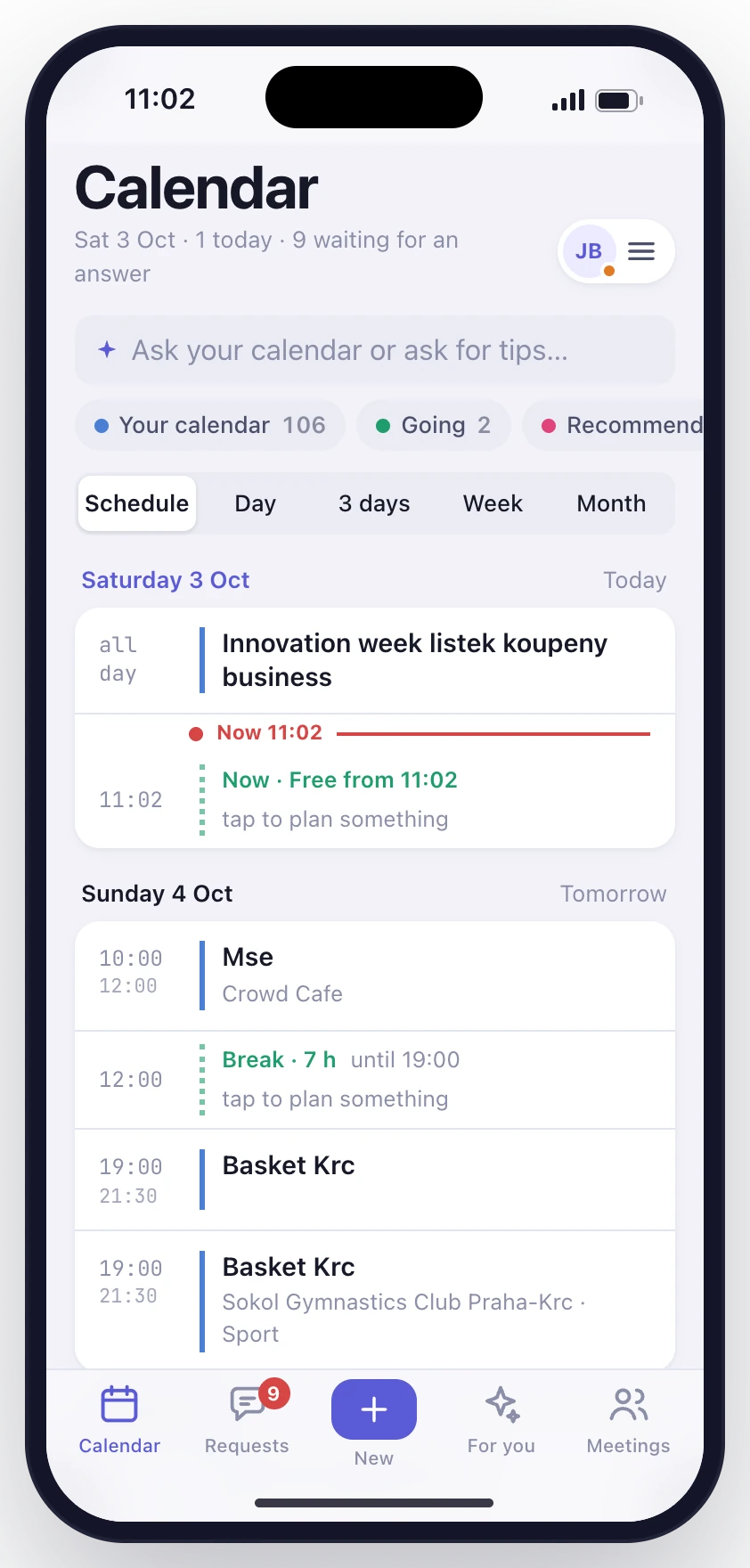
- Your day, in order.
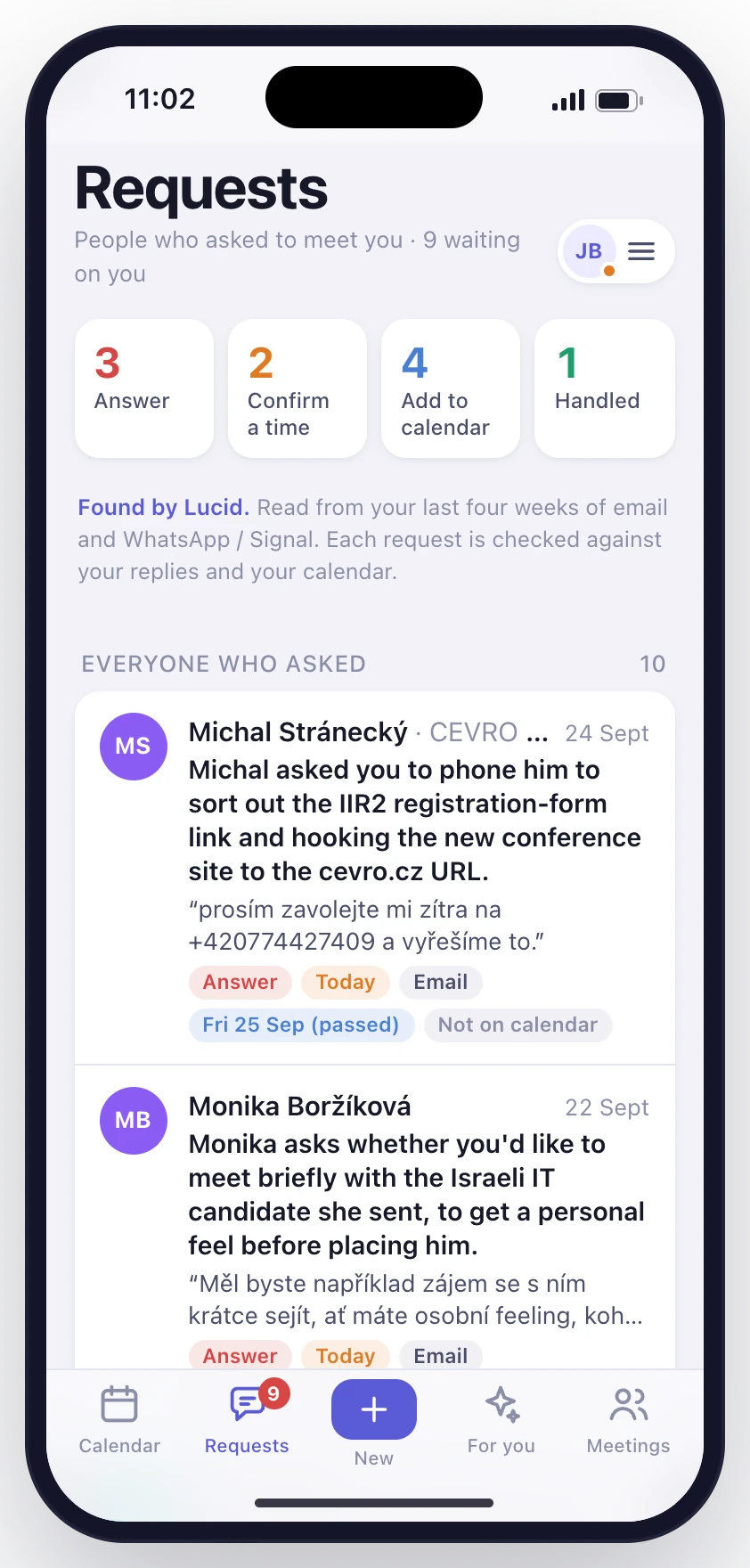
- Who's waiting.
- What's worth going to.
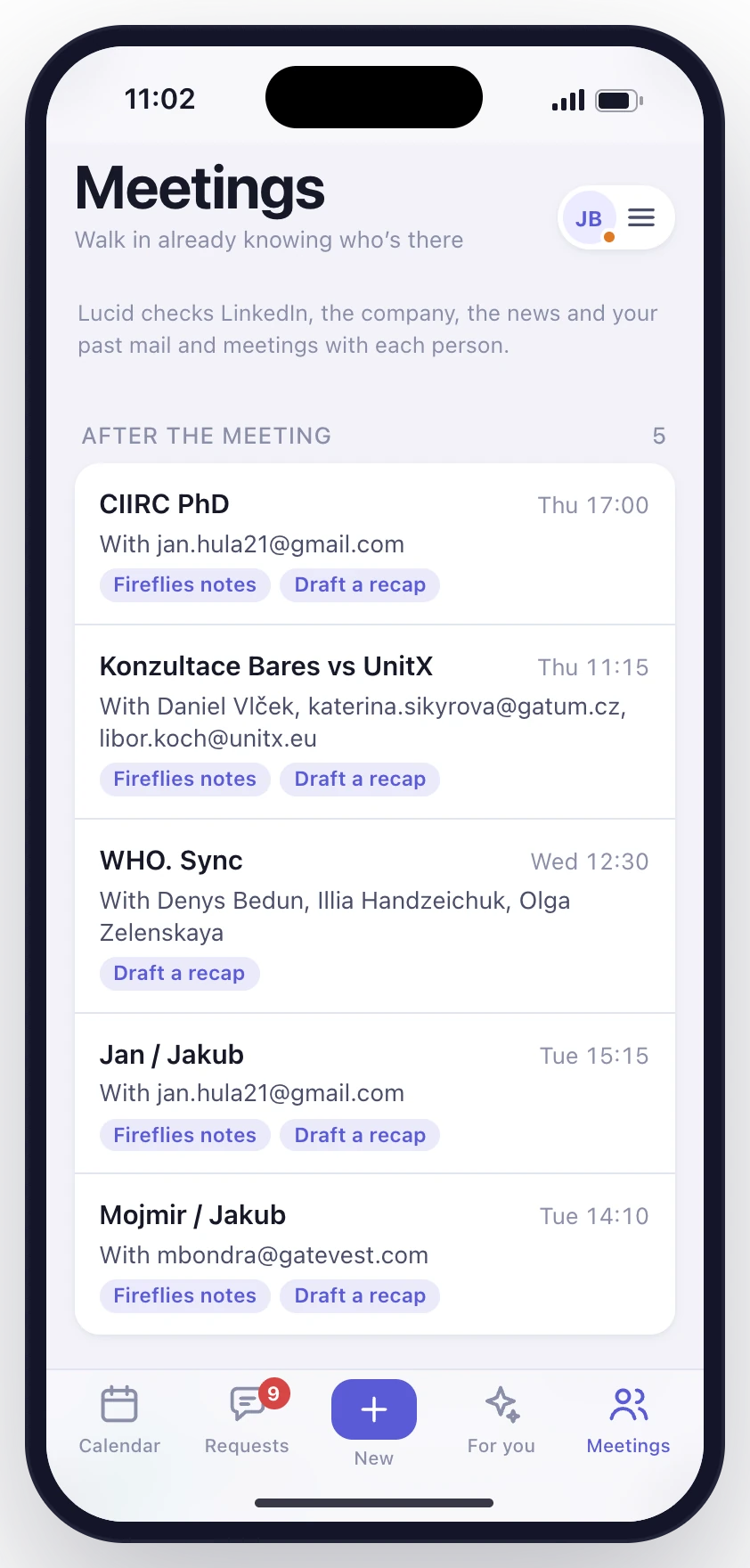
- Who you're meeting.
Three days side by side, with every break between meetings marked, so you see when you are actually free.
You stay the one who decides
Every fact has its source
Each quote is checked word for word against the message it came from. If it can't be traced, Lucid doesn't write it.
Nothing is sent without you
Lucid prepares the reply. Nothing leaves until you press Send.
What it learns is yours
See what Lucid remembers about you, export it or delete it whenever you like.